Spring Microservice Deployment
Here is a step-by-step guide on how to deploy your Spring Microservice on Cloudinator:
How to Deploy Spring Microservice on Cloudinator

Step 1: Sign up for a Cloudinator account
Visit Cloudinator and create a new account or sign in if you already have one.
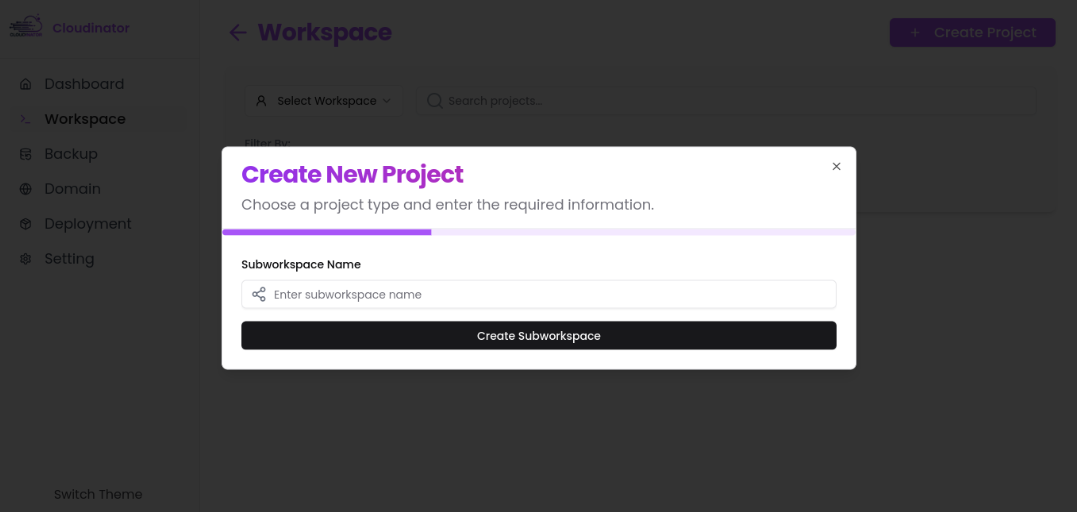
Step 2: Create a new Spring Microservice
From your Cloudinator dashboard, click on 'Create Project' and select 'Subworkspace' in project type.
Notice!
Make sure you have a workspace containing your project's site. If you don't have one, you can create one now
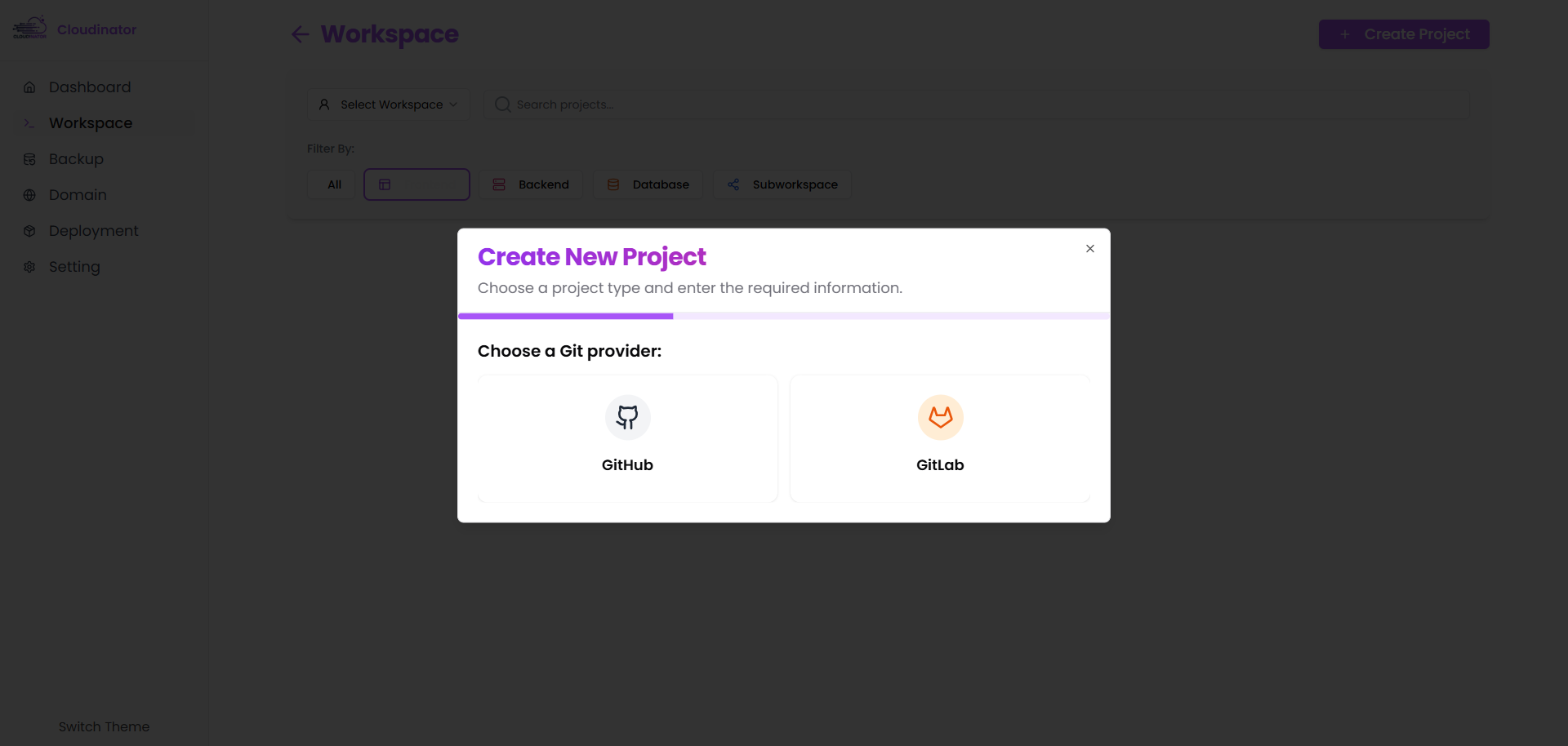
Step 3: Choose Git Provider
Choose the Git repository that contains your HTML files. You have the option to choose GitHub or GitLab

Step 4: Configure Deployment Settings
Set the following settings for your HTML static site:
- Project name
- Git URL
- Subdomain name
- Webhook for continuous deployment (optional)
Important!
Cloudinator will deploy your HTML files using the branch main
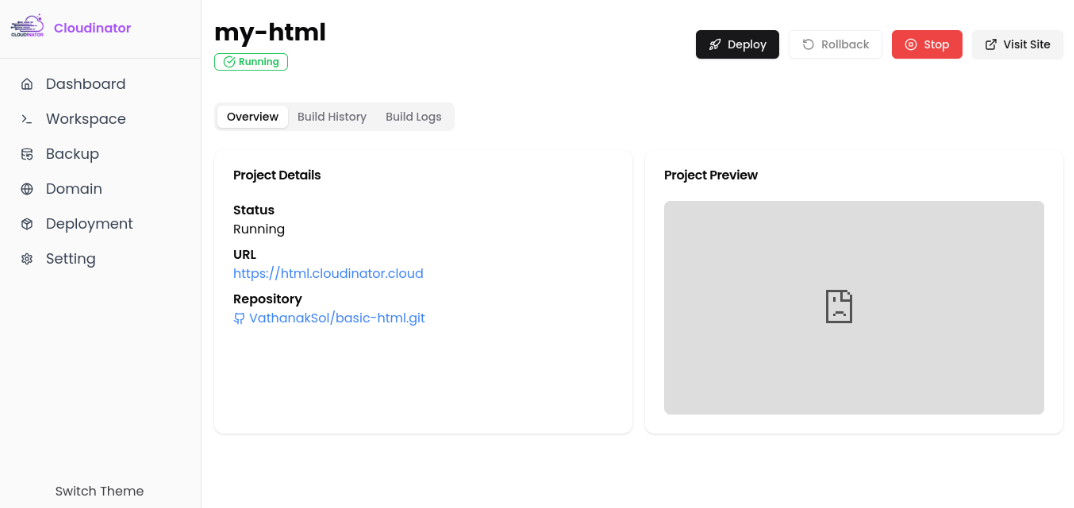
Step 5: Deploy your site
Click 'Create Frontend Project' to start the deployment process. Cloudinator will automatically build and deploy your site.

Step 6: Access your deployed HTML site
Once deployment is complete, Cloudinator will provide you with a URL to access your live site.